
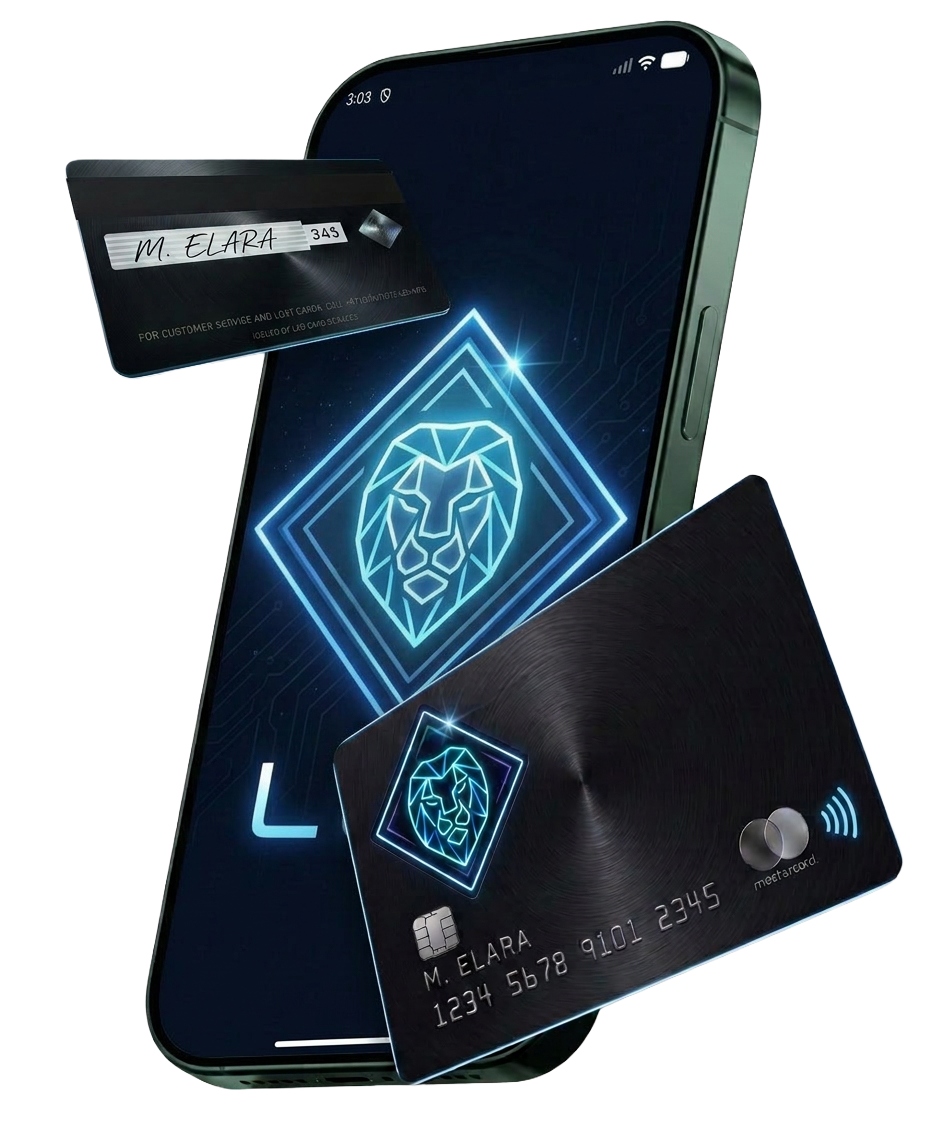
Web3 users increasingly want simple access to their digital balances during everyday spending. Connecting a crypto card with Apple Pay gives users a familiar checkout option while linking digital funds with regular purchases. The process may vary between card providers, supported assets, and wallet settings, so users should check available features first. For users exploring crypto card Apple Pay, this setup offers a practical link between Web3 funds and daily payments.
Check card and wallet support
Start by checking if your crypto card supports Apple Pay and the assets you plan to spend. Some providers support selected cryptocurrencies, while others convert digital assets into a supported payment balance before a purchase. Open the card provider’s official app and review its wallet or card settings. Confirm that your card remains active and eligible for mobile wallet use.
Prepare your web3 balance
Before adding funds, check your available balance and the supported asset list. If your card provider requires a conversion into a specific currency or token, complete that step within the approved platform. Check network fees and conversion rates before moving funds. Small differences in fees can affect the amount available for spending.
Connect your crypto card
Open Apple Wallet and select the option for adding a payment card. Follow the prompts shown on your device and enter the requested card information. Your card provider may ask for an additional verification step. This check can include an OTP, email confirmation, or approval inside the provider’s app.
Complete the verification process
Verification protects the card from unauthorized additions. Enter the requested code carefully and use the newest OTP if several codes arrive. If the code does not arrive, check your mobile connection, phone number, message filters, and notification settings. Contact official support if the issue remains unresolved.
Check your spending balance
After adding the card, review the available balance in your provider’s app. Some cards show your crypto balance directly, while others display a converted spending amount. Make a small purchase first if you want to confirm that everything works correctly. Check the transaction notification after payment and compare the amount with your account activity.
Protect your digital funds
Keep your Apple device protected with a strong passcode and biometric security. Turn on two factor authentication for your crypto account when available. Never share recovery phrases, private keys, passwords, or OTP codes. Avoid using unknown links that claim to help connect your crypto card with Apple Wallet.